The SAFe® Summit App: Your Key to Everything!
- View the full agenda & create your schedule
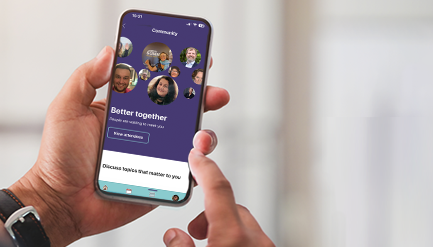
- Connect with other attendees
- Rate sessions and speakers
- Learn about sponsors
- View venue maps
Download and Install the SAFe Summit App
1. Find and download the app
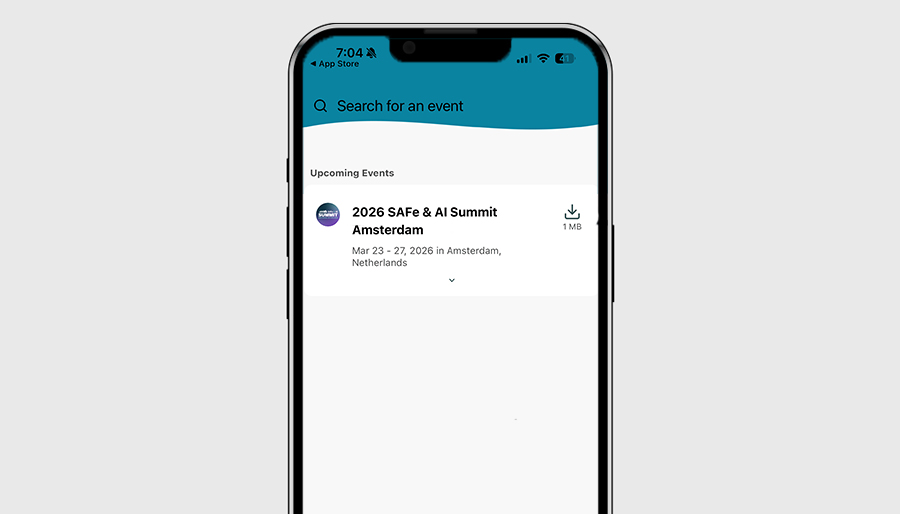
Go to the App Store (Apple devices) or the Play Store (Android devices) and search for “SAFe Summit” (make sure to select the one from Scaled Agile). Once you’ve installed the SAFe Summit app, open it. Tap the search bar and locate “2026 SAFe & AI Summit Amsterdam”. Tap Download, and after that’s complete, tap the download arrow.
2. Create your profile
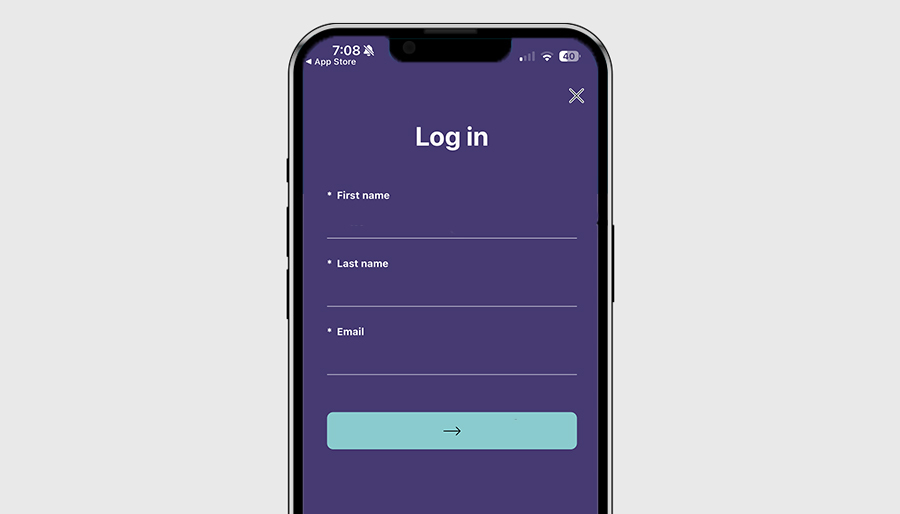
Enter your name, last name, and your email address (use the email you registered with for the Summit). Enter the verification code sent by email and text message.
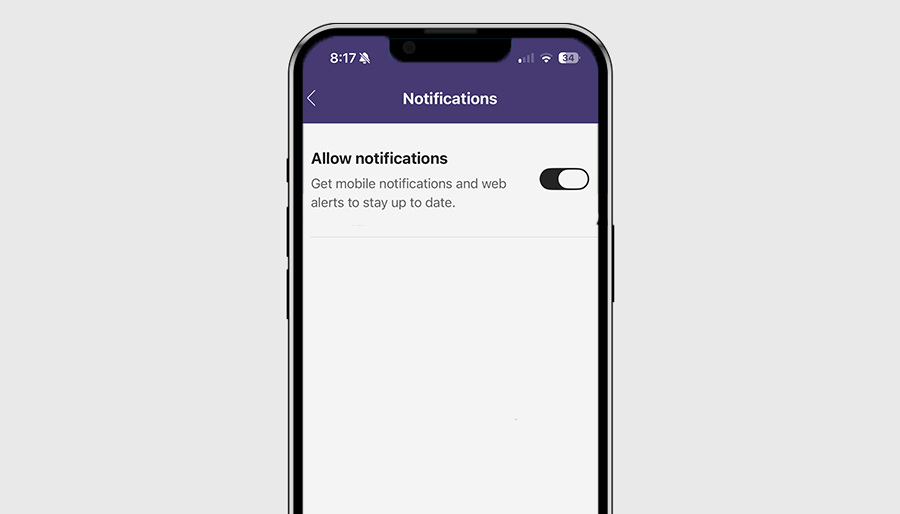
3. Enable notifications
Stay up-to-date on breaking Summit news, get event updates, and see your appointments by allowing notifications in the Announcements tab.
4. Add sessions to your schedule
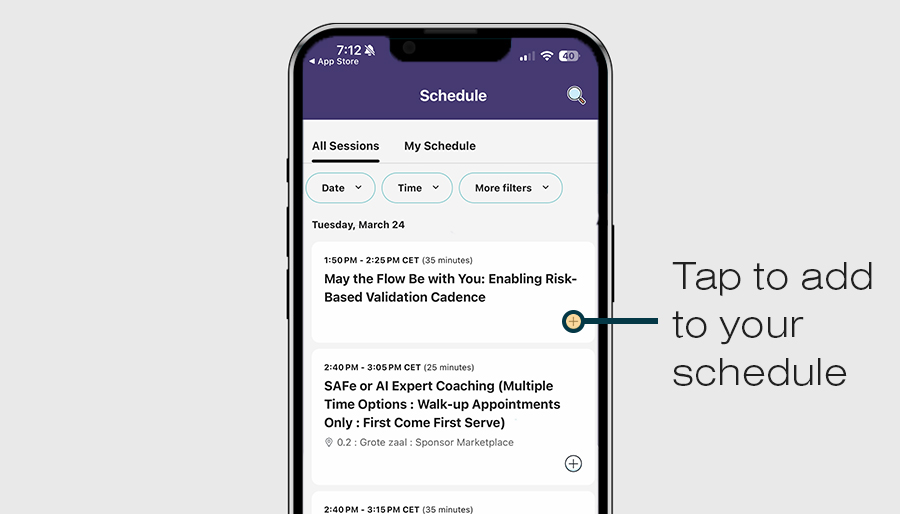
Browse the All Sessions tab and tap the + icon to build your personal schedule. After each session ends, you’ll have the opportunity to share your feedback and rate your experience.
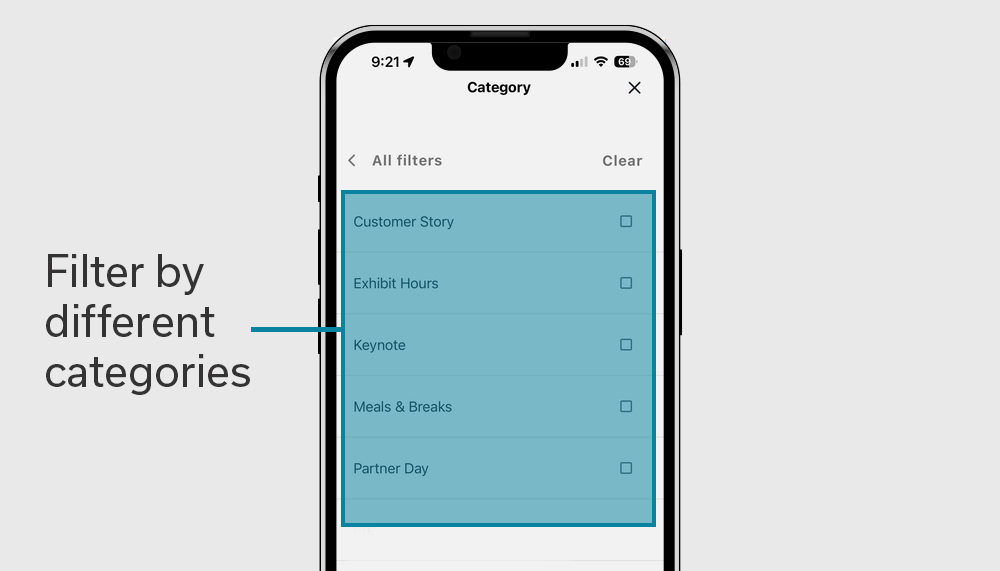
5. Filter sessions by different categories
Use filters and categories to help you find what you are looking for faster. Categories include: Customer Stories, Tracks, Exhibit Hours, Keynotes, Meals & Breaks, Post-Conference Workshop Day, Product Lab, Expert Coaching Station, etc.